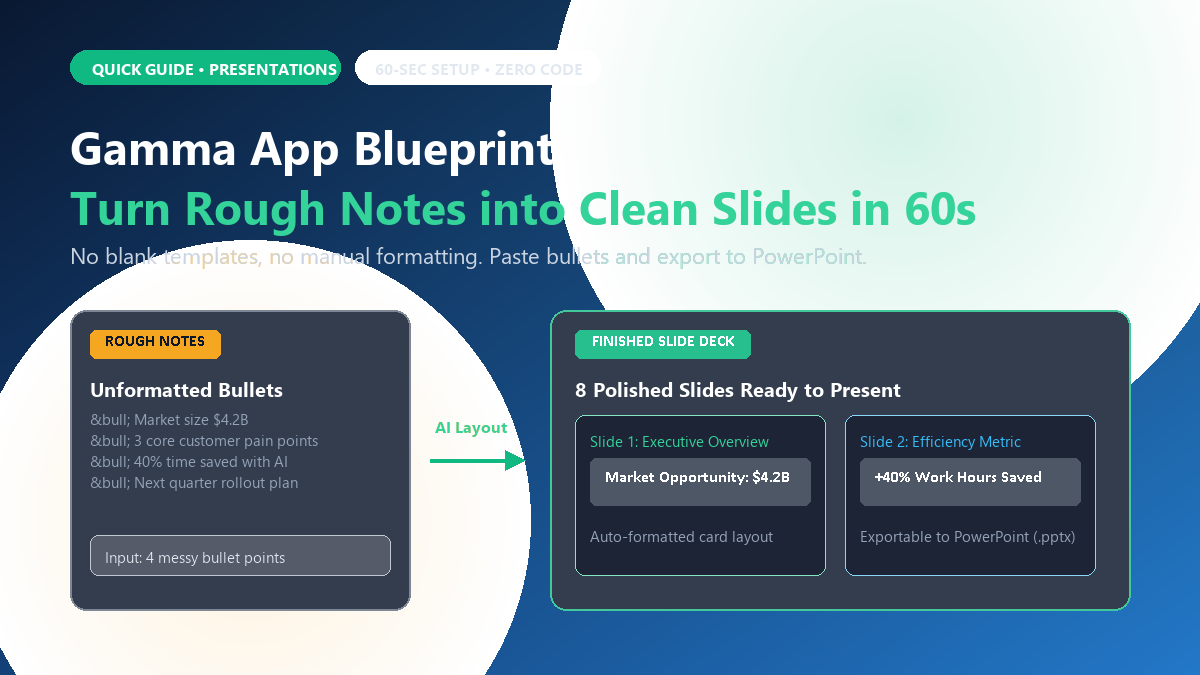
- Tool: Gamma App (gamma.app).
- Cost: Free starter account (includes 400 credits).
- Input: Plain text notes, bullet points, or an existing document outline.
- Result: An 8-to-10 slide presentation with automatic cards, color palettes, and layouts exportable to PowerPoint or PDF.
What is it and why does it matter?
Building a presentation usually forces an annoying split: 20% of your energy goes into thinking through your ideas, while 80% is lost aligning margins, resizing text boxes, and hunting for royalty-free icons.
Gamma flips this workflow upside down. Instead of staring at an intimidating empty slide, you write what you want to communicate in basic bullet points. The tool analyzes your points, breaks them into logical slides, and formats them with cards, columns, and icons automatically.
How to generate your first slide deck in 3 steps
-
Sign in: Open
gamma.appin your browser and sign in with Google or your email. No credit card is required. - Choose Presentation: Click the Create New button, pick Generate, and select Presentation. Set the slide count to 8 or 10 slides.
- Paste your outline and style: Paste your raw notes or talking points into the text field. Choose a visual theme (such as modern dark slate or clean minimal white) and click Generate.
In roughly 45 seconds, Gamma creates each slide live on your screen, complete with headers, bullet groupings, and visual containers.
Editing and exporting to PowerPoint
Unlike static AI images, every element in Gamma remains editable. You can click any card to rewrite text, reorder slides, or add custom notes.
When you finish reviewing, click the Share button in the top right corner, select Export, and download your presentation as a standard Microsoft PowerPoint (.pptx) or PDF file.
The honest limits (where it falls short)
Gamma selects generic stock vector icons by default. Before presenting to high-stakes clients or management, replace placeholder icons with your own team screenshots or brand assets. Furthermore, while the free tier is generous (400 credits cover roughly 10 presentations), heavy daily use requires inviting friends for credits or subscribing. Finally, for complex financial spreadsheets, build your charts natively in Excel.
For everyday school projects, team standup summaries, or client pitches, Gamma saves hours of layout frustration.